
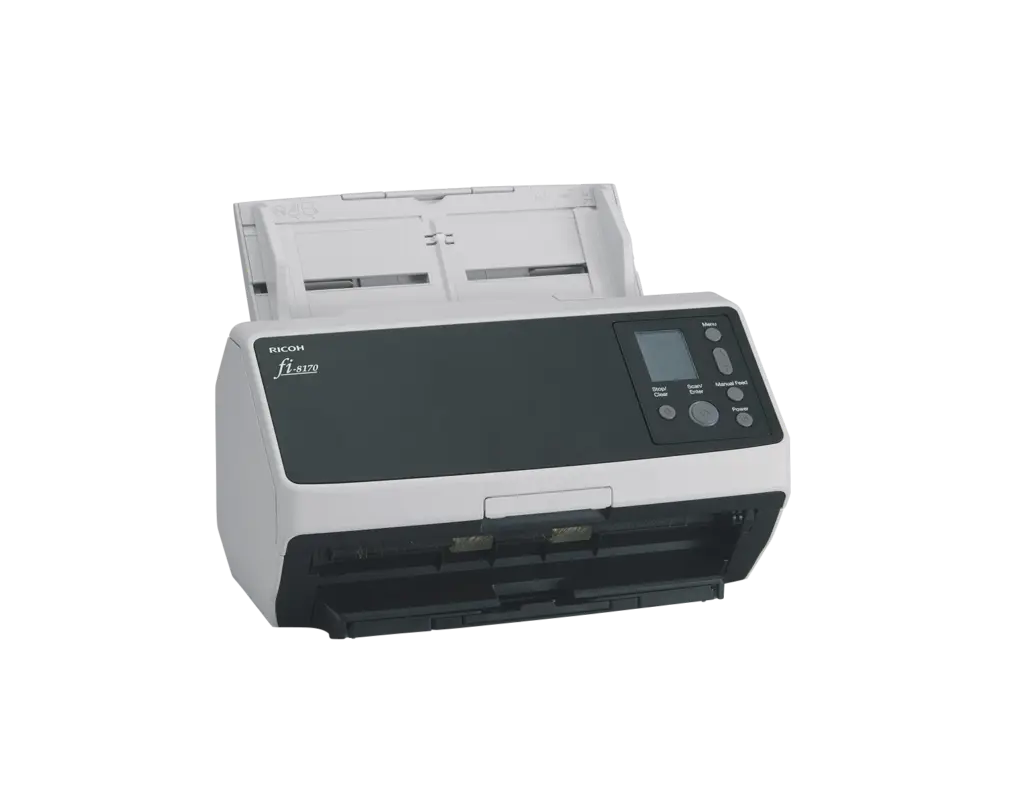
Ricoh fi-8170 Workgroup Document Scanner

 Made for demanding workflows, the compact Ricoh fi-8170 workgroup document scanner gives small and large organizations unparalleled productivity. Patented feeding technologies, industry leading reliability, and proprietary Clear Image Capture (CIC) technology deliver the highest quality digital images and industry-leading Optical Character Recognition (OCR) accuracy rates to meet the needs of organizations on their digital transformation journey.
Compact Size, Large Document Volume Capabilities
The Ricoh fi-8170 workgroup document scanner provides fast and reliable color scanning and with an estimated daily scan volume of 10,000 sheets, it can work hard without taking up valuable space. Automatic Separation Control keeps your business running smoothly and multi-feed detection minimizes jams. Manual Feed Mode enables reading of copy forms, glued-on documents, bi-folded A3 documents and booklets up to 7 mm thick.
Get the Entire Picture
Eliminate the need to re-scan documents with the Overscan Control function. Three sensors accurately detect the tip of the document and automatically increase the scanning area to provide complete, quality images even when the document is skewed. Paired with Clear Image Capture, you get high quality images for data extraction. PaperStream software provides additional image management.
Operate Easily with Intuitive Features
The color LCD panel allows users to intuitively operate the Ricoh fi-8170 workgroup document scanner to change between modes, view notifications and select jobs. The Stacker Supporter keeps documents of all sizes together, even when scanning mixed batches containing small pieces of paper. Features both USB and LAN connectivity, and the PaperStream NX Manager software makes it possible to scan without a PC or web application running.
Fulfill a Variety of Document Scanning Needs
Perfectly suited for front office or home office needs, the Ricoh fi-8170 workgroup document scanner provides high-volume, high-speed scanning with a small footprint. The large capacity tray reduces prep time, providing you with accurate scans, allowing you to work faster and worry free.
Software to Support End-to-End Productivity
The Ricoh fi-8170 workgroup document scanner is equipped with PaperStream IP scanner driver and PaperStream Capture software, improving your productivity by reducing the number of operations before and after scanning. Frequent manual operations such as deleting blank pages can be reduced by using the Setting Assistant on PaperStream Capture. Extract information from the MRZ (Machine Readable Zone) for efficient entry of customer information from passports and ID cards.
Government Compliance and Environmental Regulations
TAA (Trade Agreements Act) and EPEAT Silver ratings meet Federal Government compliance standards, giving organizations confidence that the scanner meets all regulatory requirements. ENERGY STAR® and RoHS ratings give peace of mind that the Ricoh fi-8170 workgroup document scanner meets an organization’s sustainability requirements, as we work together to safeguard our environment for future generations.
- 600 dpi optical resolution
- Daily scan volumes up to 10,000 sheets
- Accurately powers through your documents at up to 140 ipm
- Captures sizes up to A3 (8.5″ x 14″)
- 100-sheet Automatic Document Feeder (ADF) capacity
- Built with durable rollers, heavy-duty motors, and a sturdy frame to handle high volumes and seasonal peaks with reliable, long-lasting performance
- Automatic Separation Control separates documents and provides the perfect feed, ensuring documents are safely captured
- Clear Image Capture (CIC) technology delivers precise, crisp images and industry-leading OCR accuracy rates
- TWAIN/ISIS® compliant
- 24-bit color scanning supported